From Product Idea to Market-Ready Hardware
A MODULAR CHARGING SYSTEM BUILT TO SCALE
Nyko
pixelquest arcade kit
A modular controller charging ecosystem developed across Xbox, PlayStation, and Nintendo platforms.
The product family balanced shared architecture, platform-specific fit, charging performance, molded-plastic construction, packaging clarity, and retail readiness.

Nintendo Switch Gaming Accessory Case Study


A buildable and customizable arcade cabinet that transformed Nintendo Switch gameplay into a tactile, tabletop arcade experience.
PixelQuest combined constructible product architecture, mechanical button remapping, Joy-Con integration, user customization, packaging, assembly instructions, and retail-ready commercialization.
Role: Product Development and Industrial Design
Category: Gaming Accessories
Platform: Nintendo Switch
Focus: Product Architecture, Physical Interaction, Mechanism Development, Prototyping, Packaging, Instruction Design
Project Overview
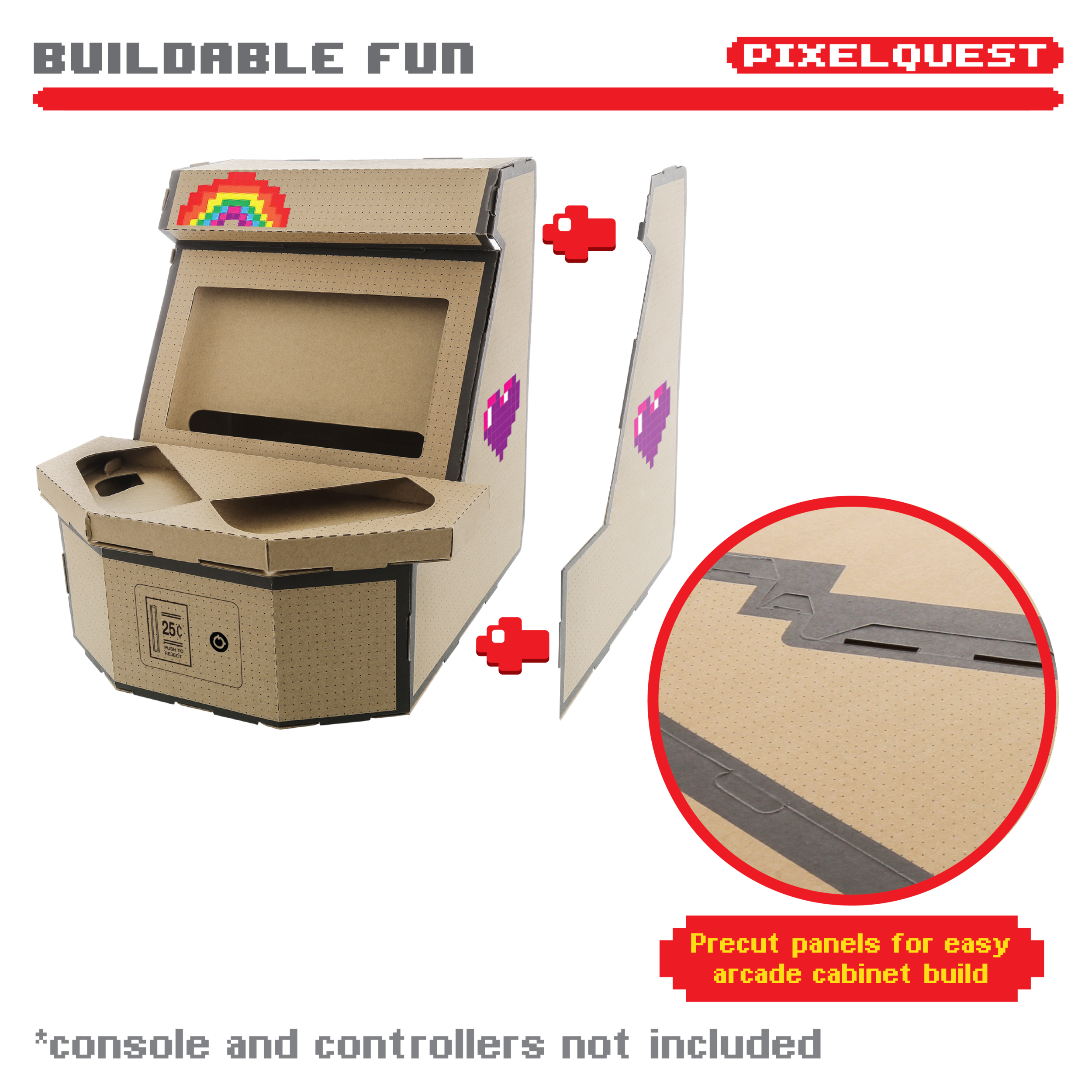
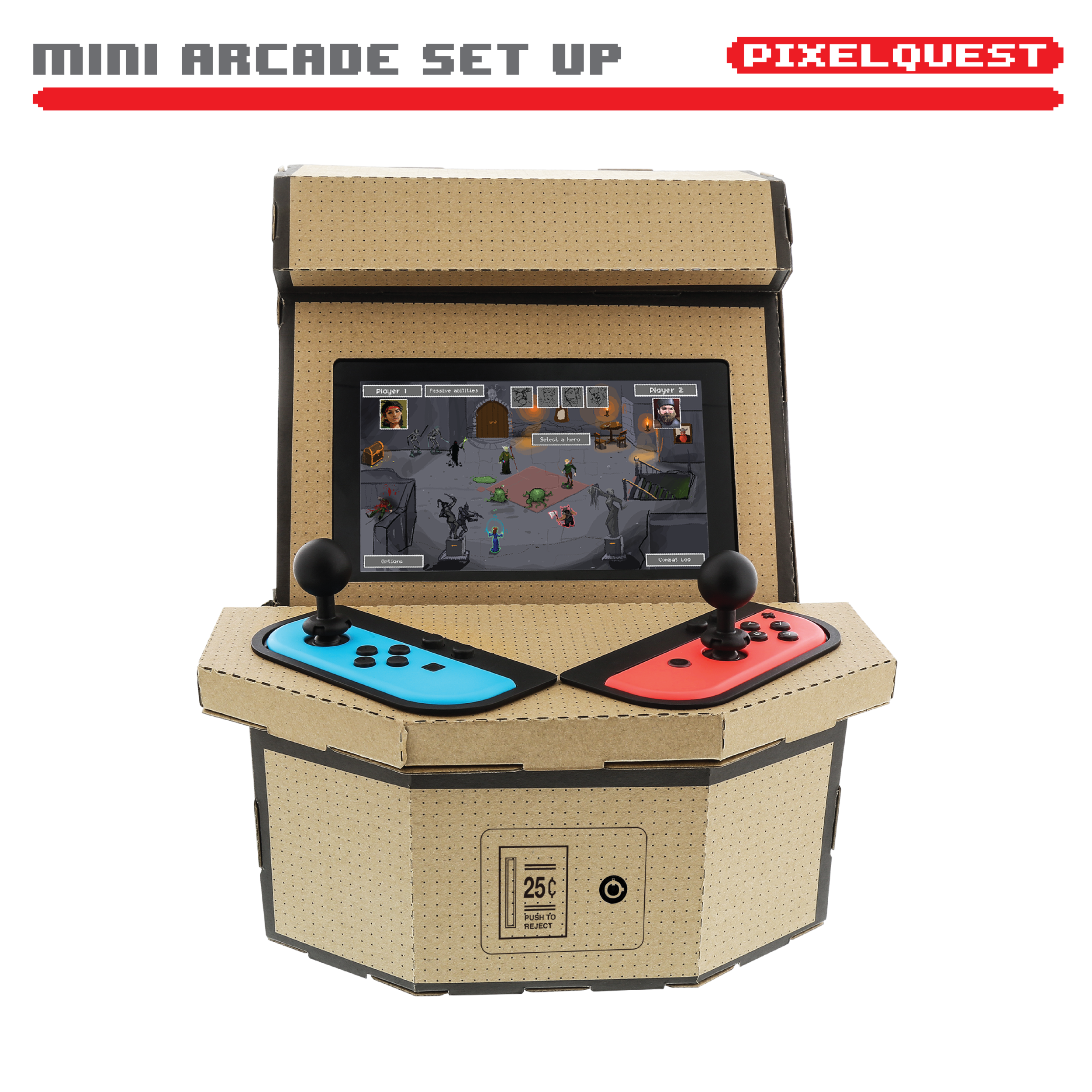
PixelQuest Arcade Kit was developed as a buildable gaming accessory that transformed the Nintendo Switch into a compact arcade-style cabinet.
The product was inspired by the creative, constructible nature of Nintendo Labo, but it needed to function independently as an accessory compatible with Nintendo Switch games rather than relying on dedicated software.
The concept combined nostalgic arcade interaction with user assembly and customization. Players could build the cabinet, decorate it with pixel-art stickers, install their Nintendo Switch and Joy-Con controllers, and use mechanical controls designed to recreate the feel of traditional arcade play.
The Challenge
Nintendo Switch created new opportunities for physical accessories because the console could transition between handheld, tabletop, and television-based play.
The opportunity was to develop an accessory that:
Transformed the Switch into a recognizable arcade cabinet
Created a new physical interaction for existing games
Delivered a buildable experience without requiring dedicated software
Allowed users to customize the finished product
Remained compact and affordable
Worked with the Switch and Joy-Con controller architecture
Could be packaged as a flat, constructible retail product
Communicated its value clearly online and at retail
The goal was not simply to create a stand for the console. It was to build a complete play experience around it.
My Role
I contributed to PixelQuest from early concept development through physical product refinement, mechanism development, packaging, assembly communication, and retail launch support.
My responsibilities included:
Developing the buildable arcade-cabinet concept
Defining how the Nintendo Switch and Joy-Con controllers are integrated with the structure
Developing the mechanical button-remapping interaction
Refining the cabinet proportions, viewing angle, and tabletop footprint
Evaluating joystick extensions and arcade-style controls
Planning ventilation, charging access, and console installation
Developing user-customization elements through pixel-art stickers
Reviewing constructible parts, assembly behavior, and user instructions
Supporting packaging development and Amazon product content
Coordinating development feedback across design, product, sourcing, packaging, and operations
Development Approach
-
The core idea was to transform a modern handheld console into a nostalgic arcade experience.
The product needed to create value in three stages:
Build the cabinet
Customize the appearance
Play compatible games in an arcade-style format
This made the product experience broader than the final assembled object. Construction and customization were part of the product itself.
-
PixelQuest needed to ship efficiently while becoming a stable three-dimensional product after assembly.
The constructible system required careful attention to:
Part count
Fold and connection locations
Assembly sequence
Structural stability
Console support
Controller retention
Product alignment
Flat-pack packaging efficiency
Ease of construction
Durability during repeated use
The architecture had to be understandable for the user while still providing enough structure to support active gameplay.
-
The console needed to fit securely within the cabinet without blocking critical hardware features.
Development focused on:
Screen visibility
Viewing angle
Console insertion and removal
Joy-Con placement
Charging-cable access
Ventilation openings
Speaker clearance
Tabletop stability
Protection from unnecessary movement during play
The system needed to work with the console rather than simply surrounding it.
-
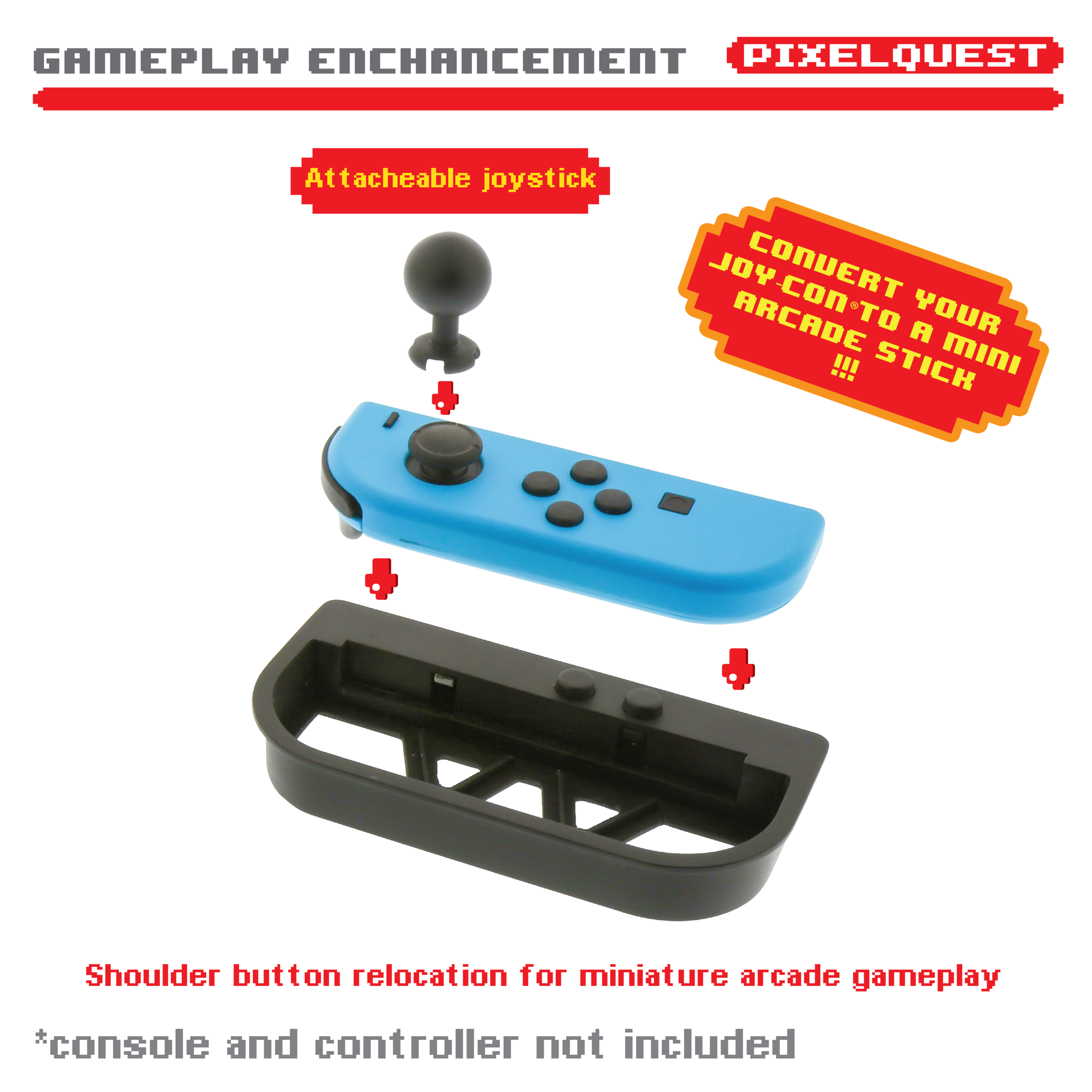
Traditional arcade cabinets use large, front-facing buttons, while Nintendo Switch Joy-Con controllers use shoulder buttons positioned along the top edge.
PixelQuest translated those shoulder-button inputs into an arcade-style control arrangement through a mechanical remapping system.
The mechanism needed to:
Transfer user input reliably
Align with the Joy-Con shoulder buttons
Provide clear tactile response
Work without electronics or software
Remain easy to assemble
Avoid damaging or dislodging the controllers
Maintain consistency during repeated use
This mechanical solution allowed the accessory to recreate arcade-style interaction using the existing Joy-Con hardware.
-
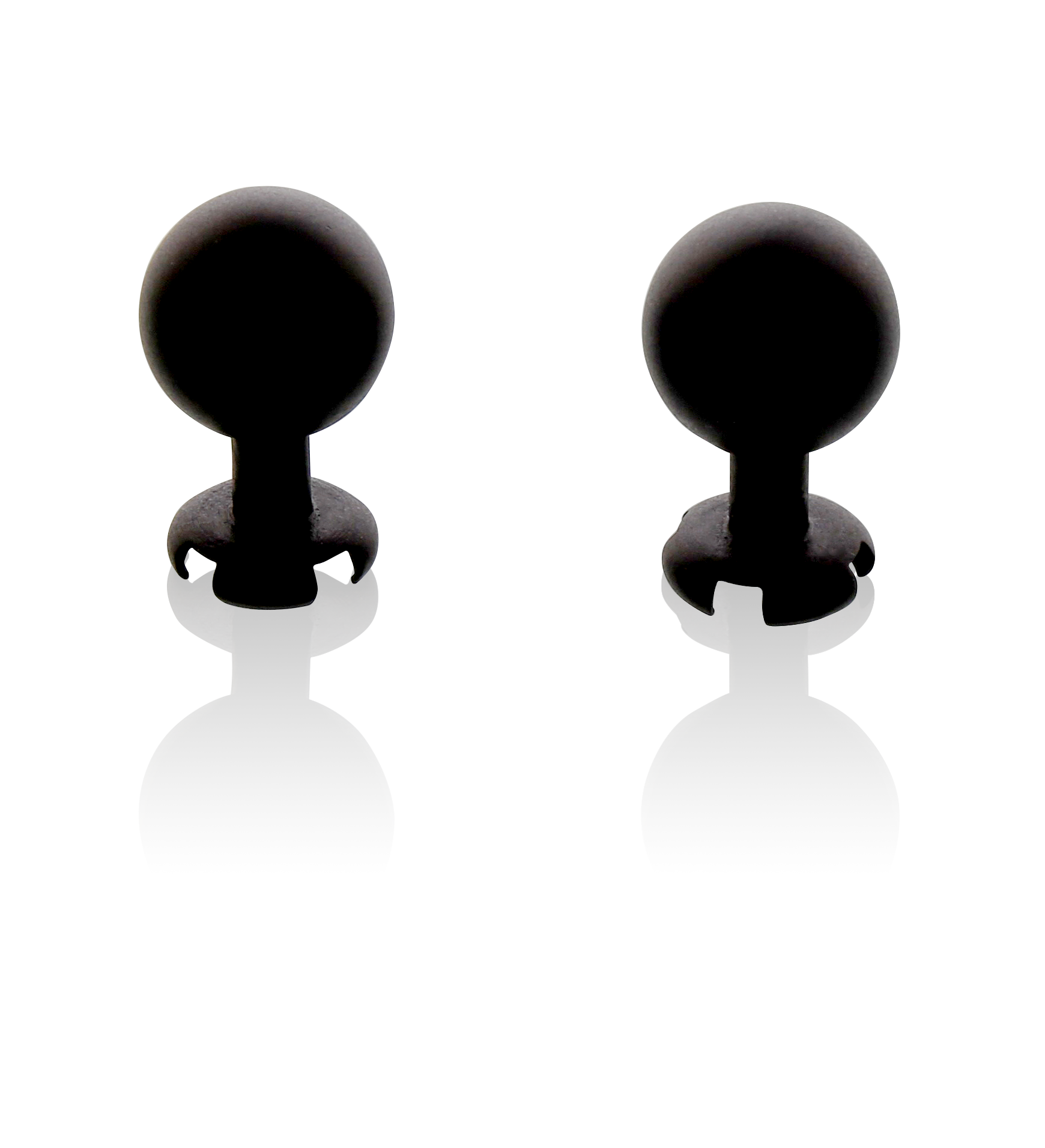
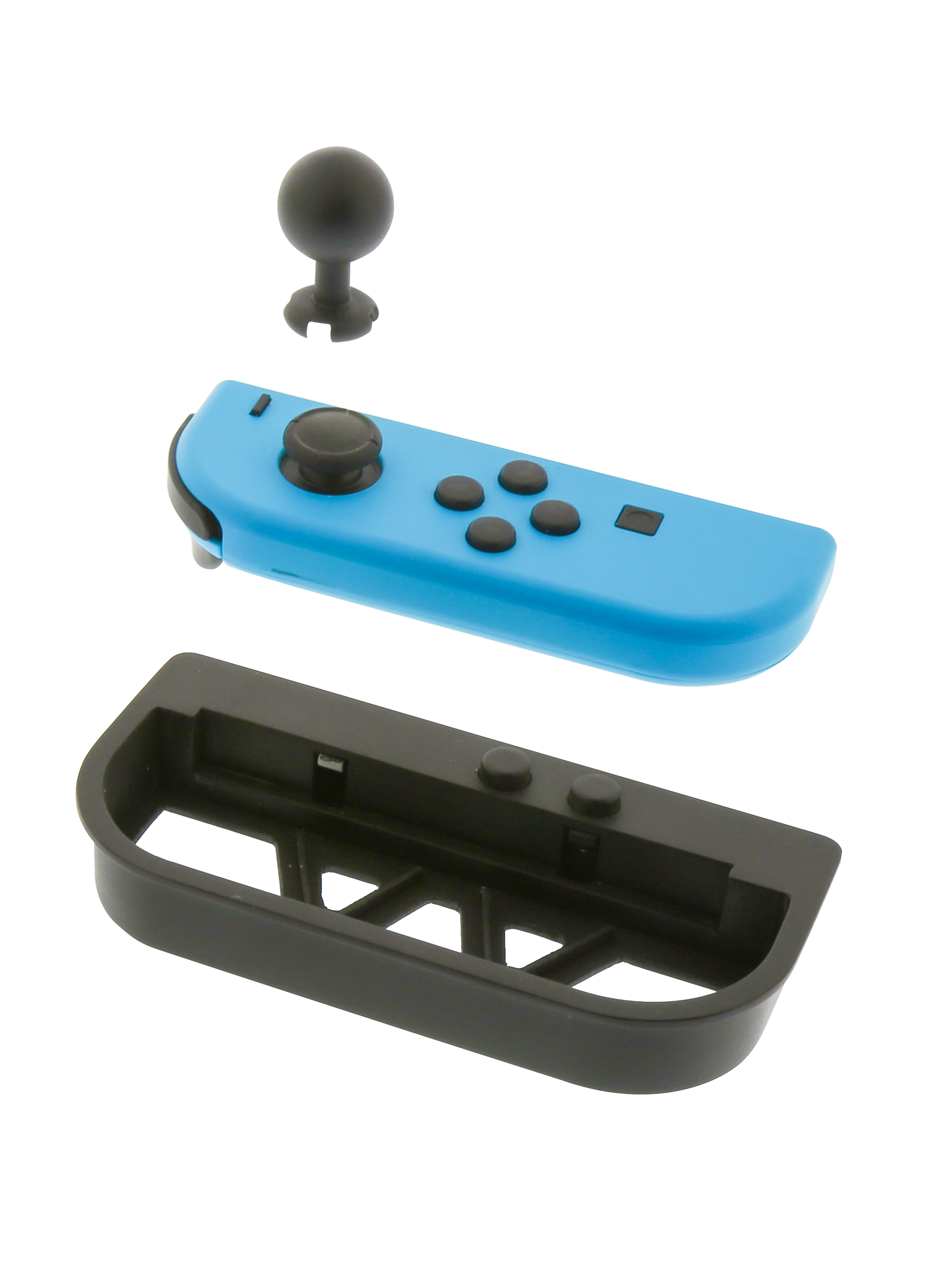
The product included joystick extensions that attached to the Joy-Con analog sticks.
These extensions needed to:
Create a more arcade-like interaction
Attach securely to the analog sticks
Maintain directional control
Avoid excessive leverage or instability
Remain easy to install and remove
Fit within the overall cabinet architecture
The result added another layer of physical transformation without requiring electronic modification.
-
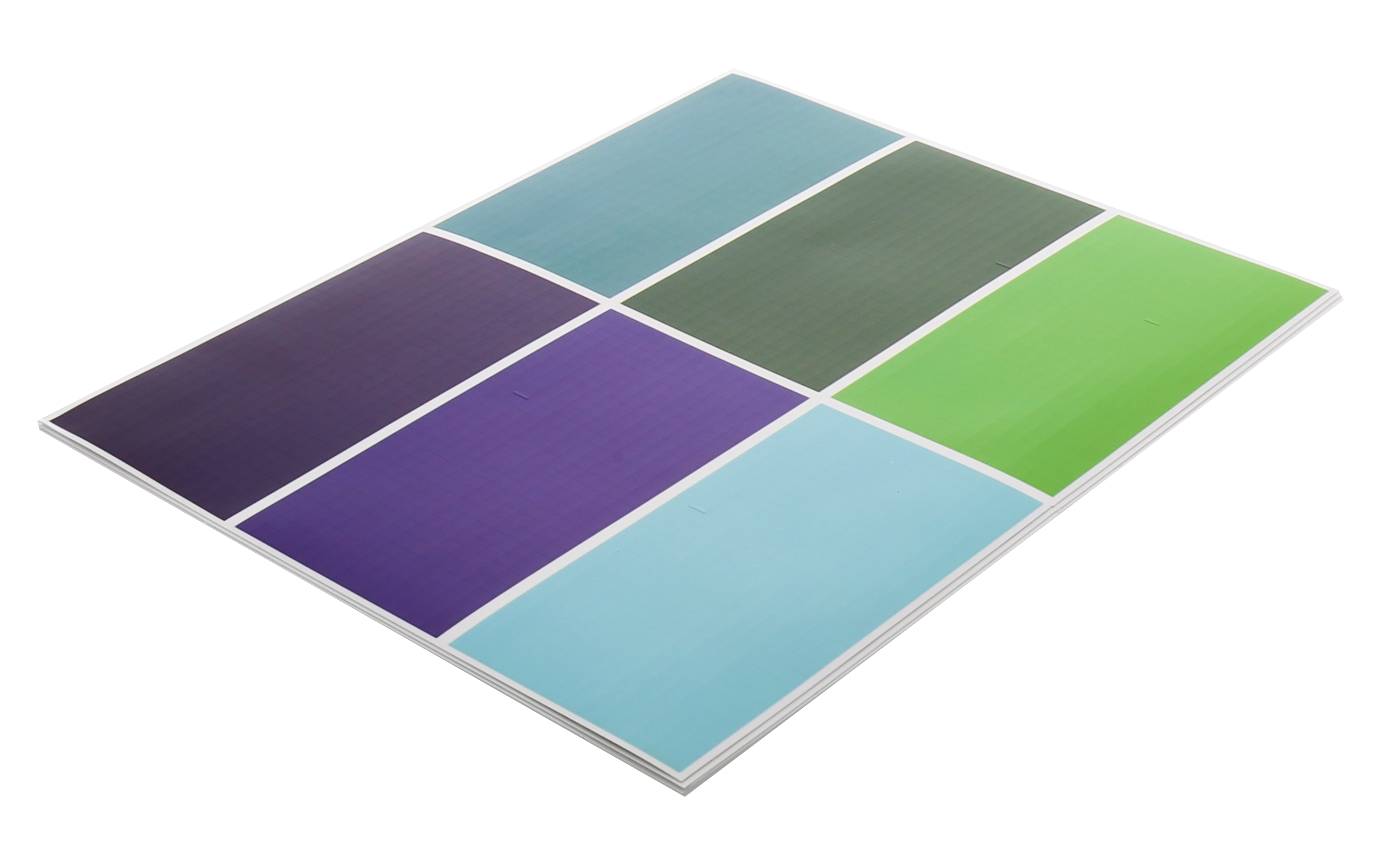
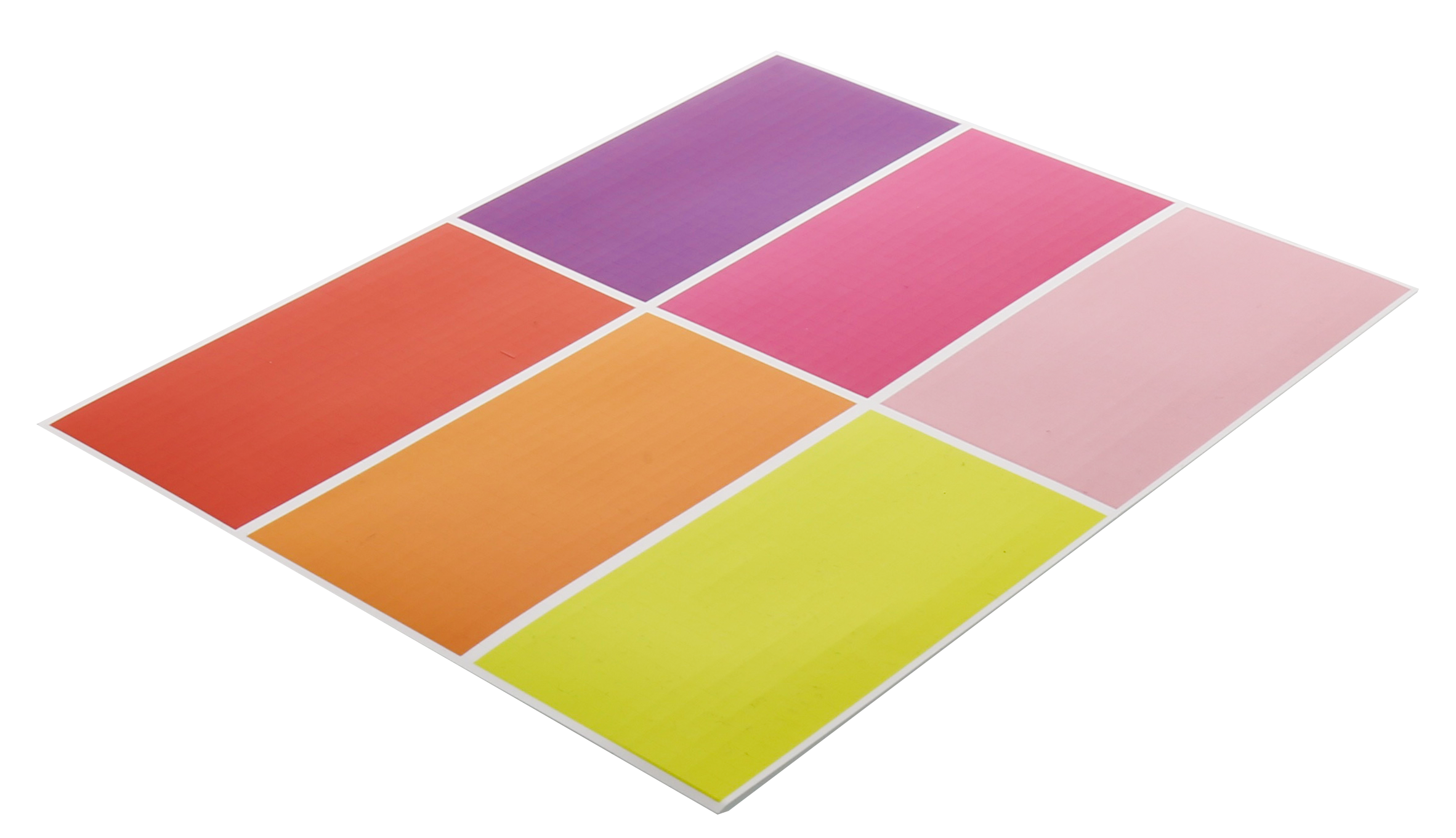
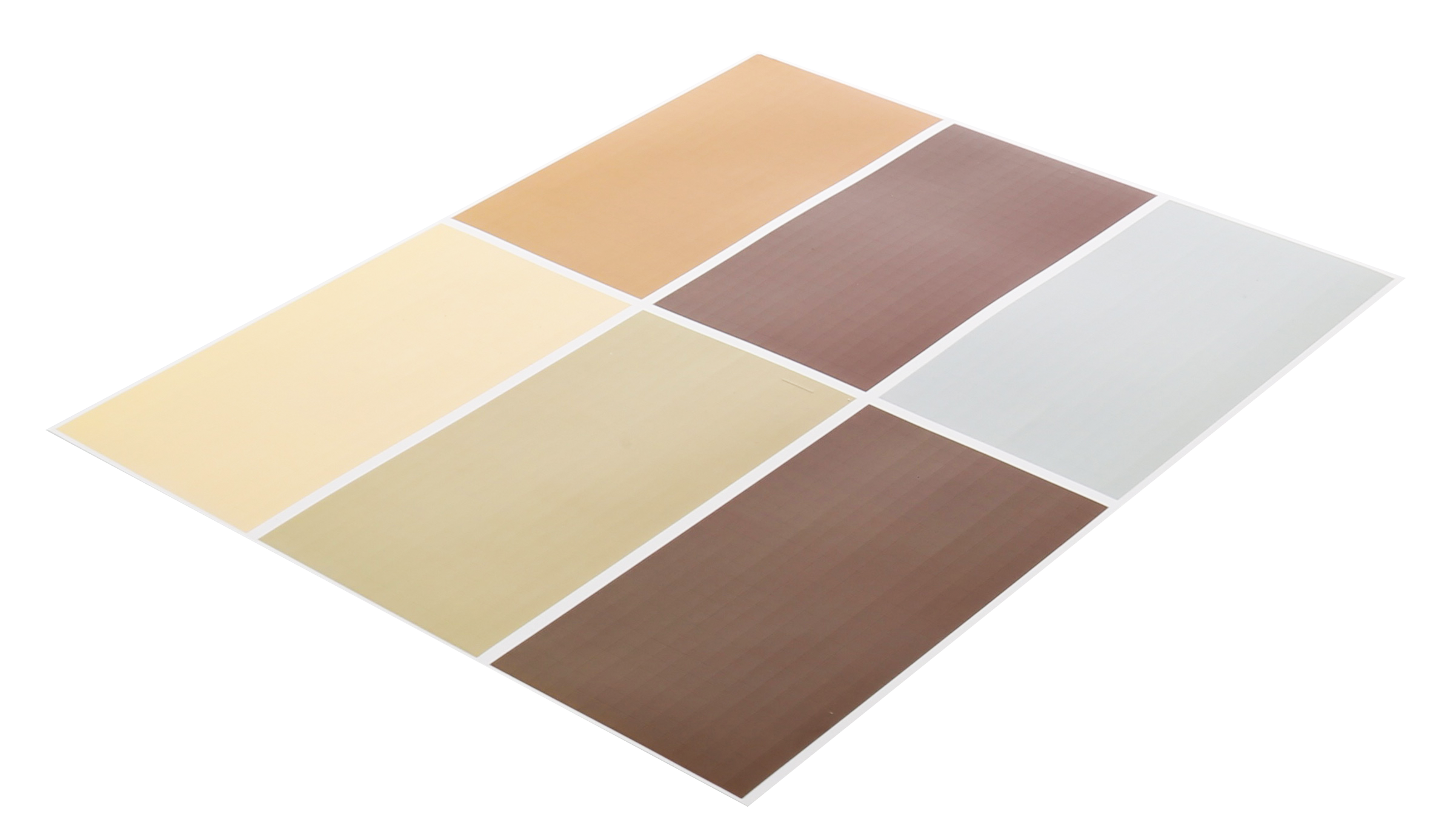
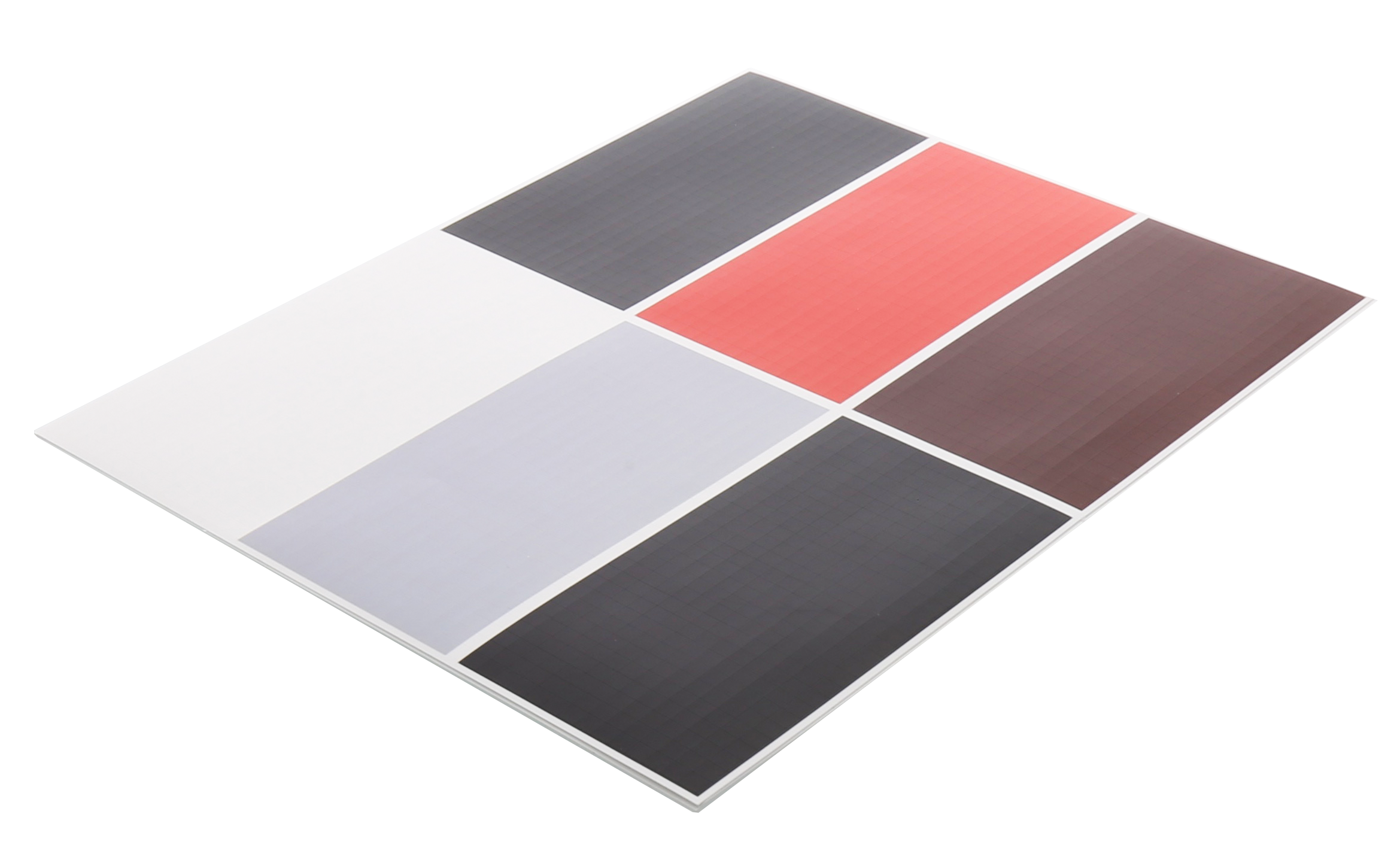
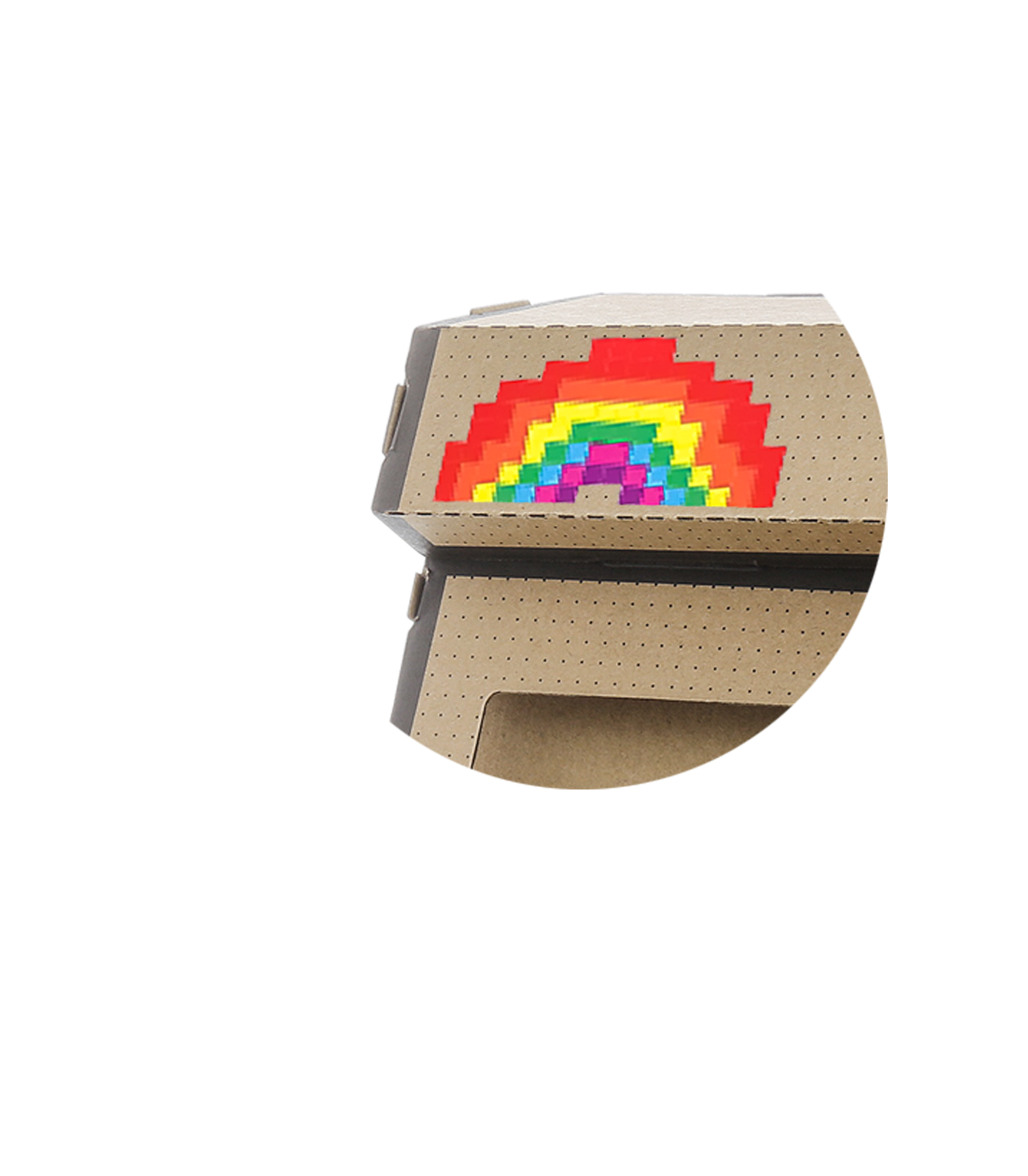
PixelQuest included pixel-art sticker sheets that allowed users to personalize the cabinet.
Customization supported the product in several ways:
Extended the build experience
Reinforced the retro arcade theme
Increased user ownership
Created variation between finished products
Made the product more playful and expressive
Added value without increasing mechanical complexity
The sticker system turned the finished accessory into a personal creation rather than a fixed visual product.
-
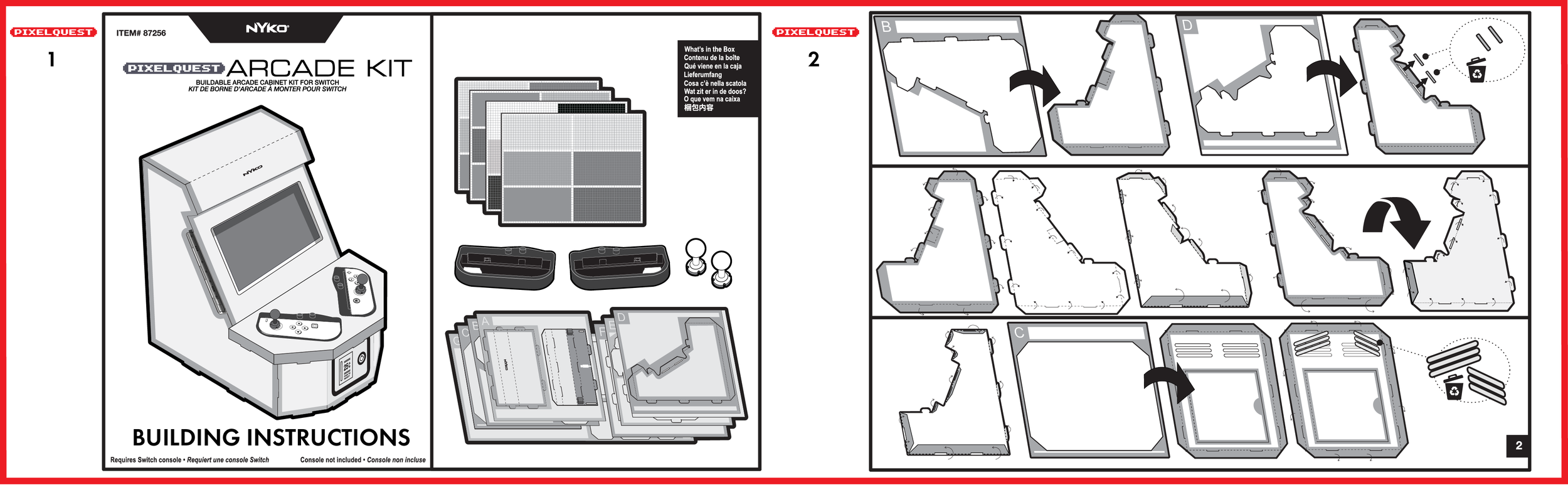
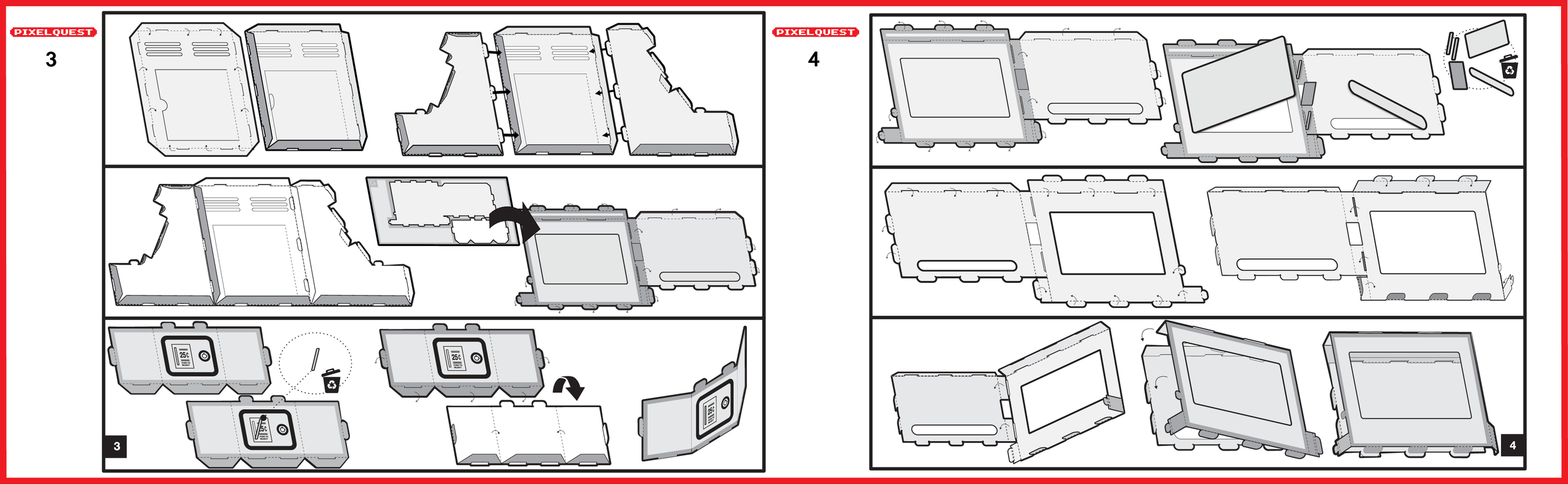
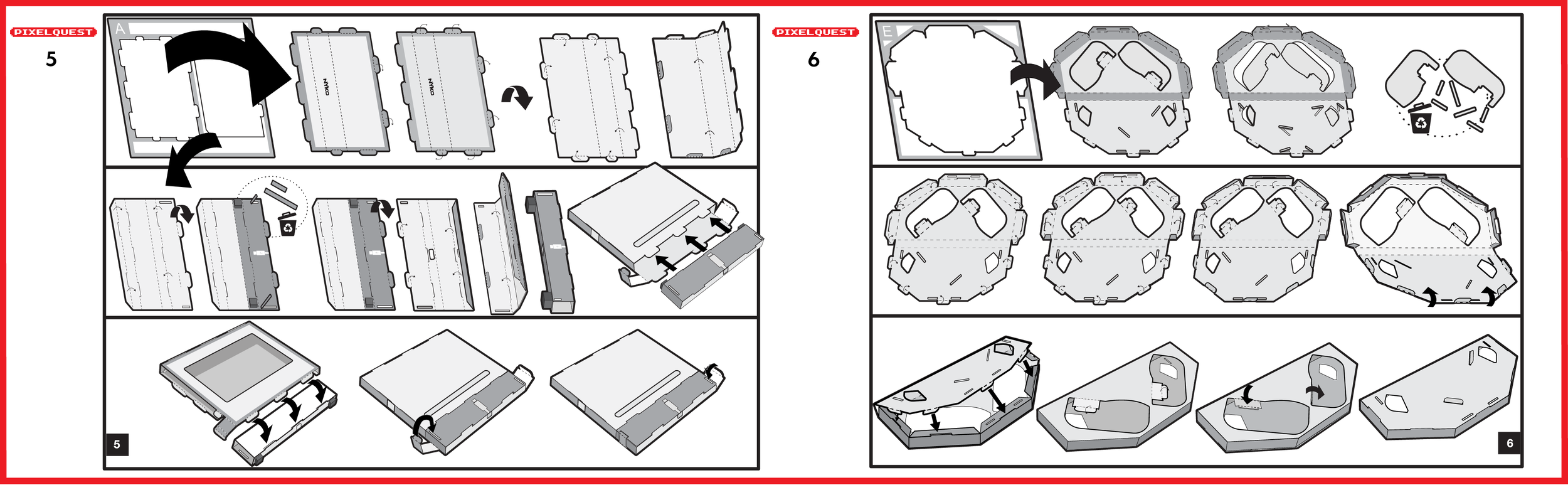
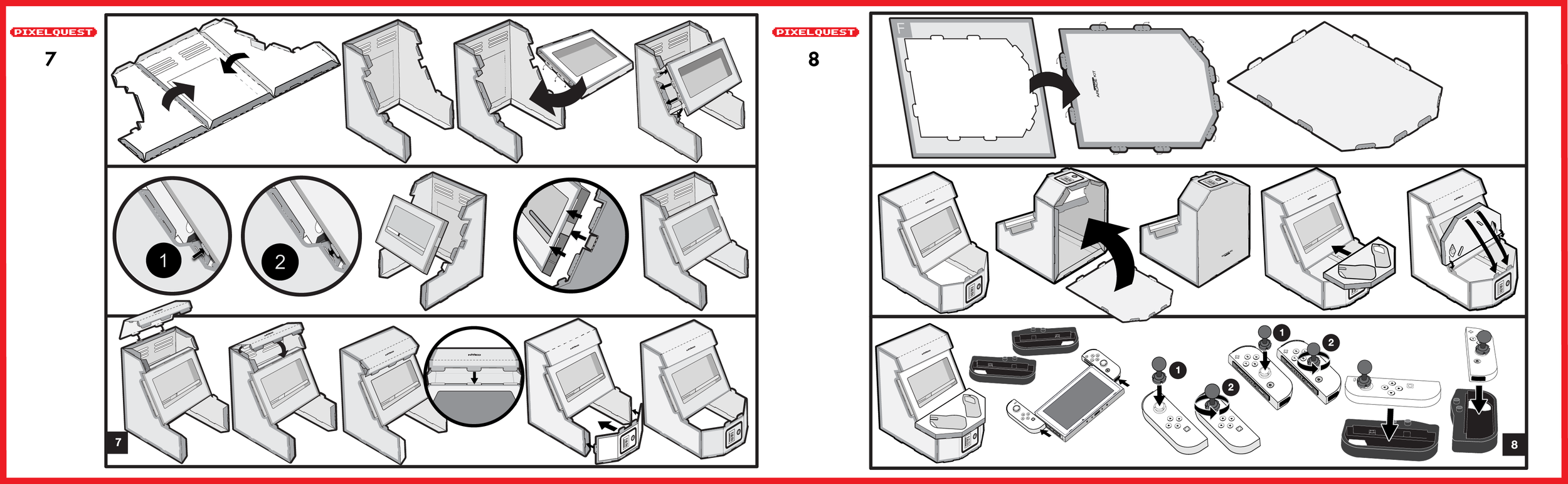
Because the product was sold as a constructible kit, assembly communication was critical to the customer experience.
The instructions needed to explain:
Part identification
Assembly order
Fold direction
Connection points
Console installation
Joy-Con placement
Button-remapping setup
Joystick installation
Sticker customization
Charging and ventilation access
Clear visual instructions reduced user confusion and helped ensure the product performed as intended after assembly.
-
PixelQuest required a strong visual explanation because customers needed to understand both what the product became and how it worked.
Retail and e-commerce content focused on:
The completed arcade-cabinet form
Buildable construction
Nintendo Switch compatibility
Mechanical button remapping
Joystick extensions
Pixel-art customization
Ventilation and charging access
Included components
Assembly steps
Compatible arcade-style gameplay
Amazon content and packaging were used to explain the transformation from a flat kit to a functional gaming accessory.

Key Product Decisions
Buildable Experience vs. Assembly Complexity
The construction process needed to feel meaningful and engaging without becoming frustrating or overly time-consuming.
Flat-Pack Efficiency vs. Finished Stability
The product had to be packaged efficiently while becoming rigid enough for active tabletop use.
Mechanical Interaction vs. Technical Complexity
Mechanical button remapping delivered an arcade-style experience without requiring any electronics, software, or console modifications.
Nostalgic Form vs. Modern Hardware Requirements
The cabinet needed to look recognizably retro while accommodating console ventilation, charging, speakers, controls, and screen visibility.
Customization vs. Visual Consistency
The sticker system gave users creative freedom while maintaining a coherent PixelQuest product identity.
Product Features vs. Retail Price
The kit needed to deliver construction, customization, and gameplay value within the cost expectations of a gaming accessory.
Product Features
Buildable Arcade Cabinet
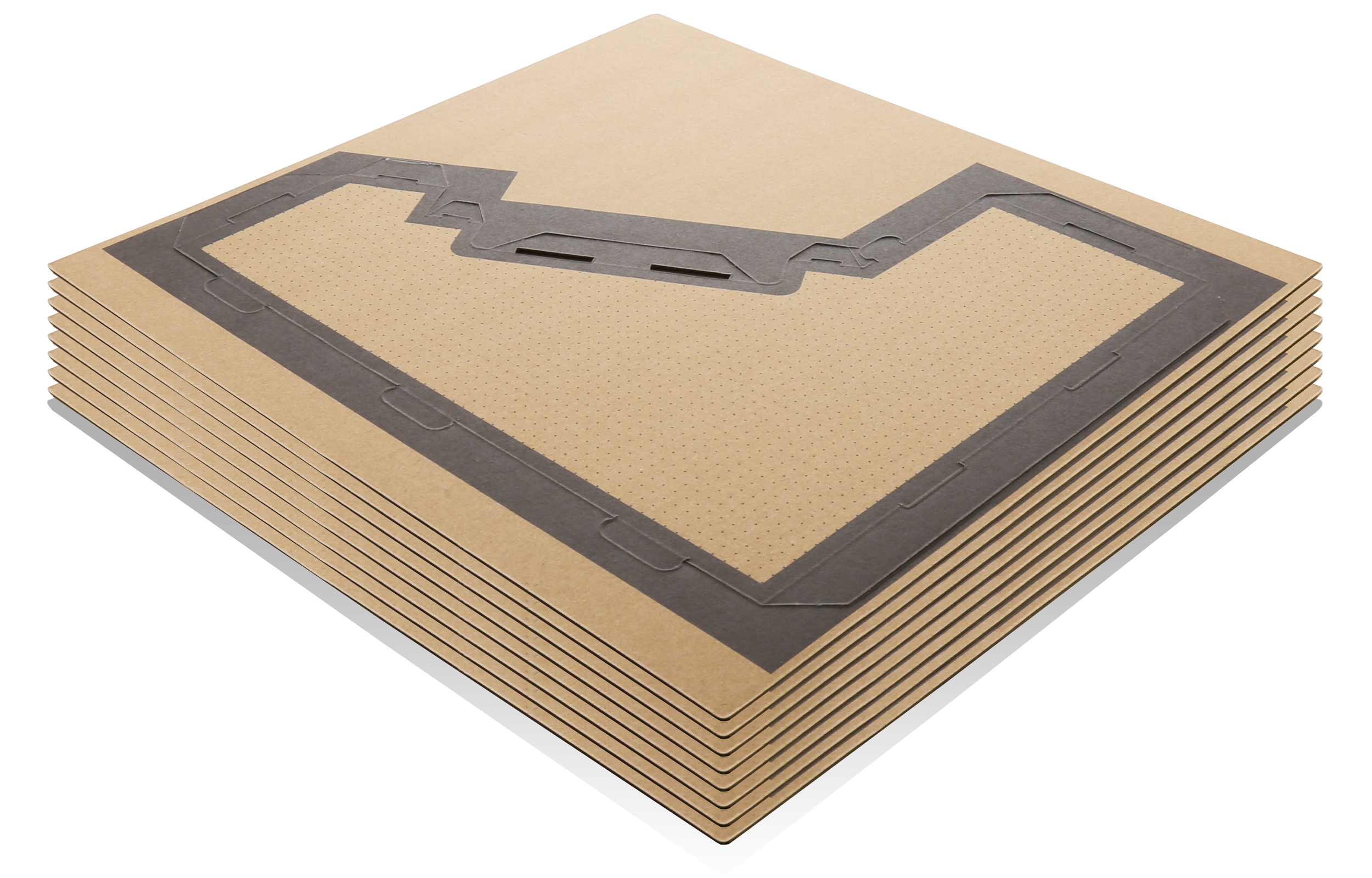
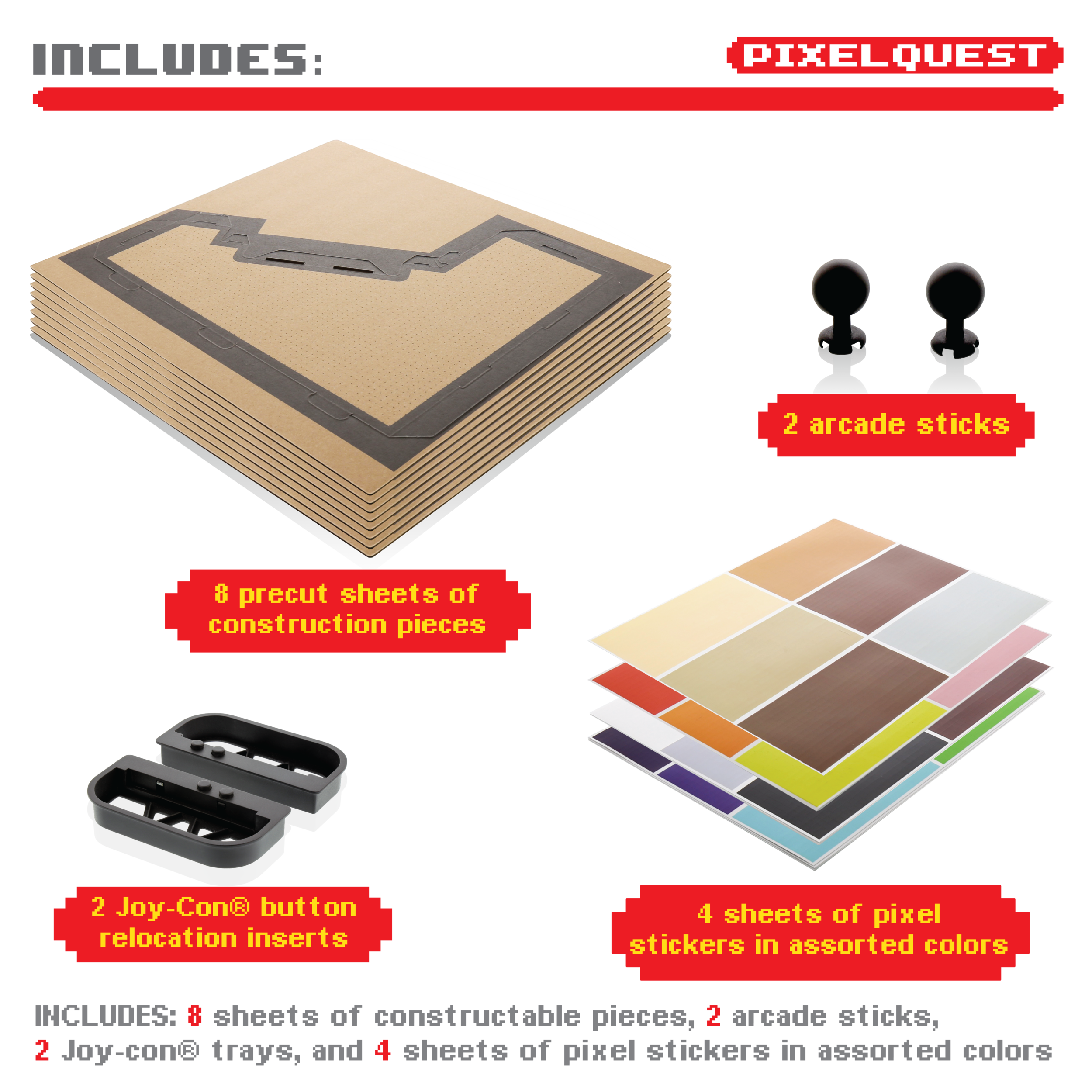
Eight sheets of constructible components formed the cabinet structure and supported the Nintendo Switch and Joy-Con controllers.
Mechanical Button Remapping
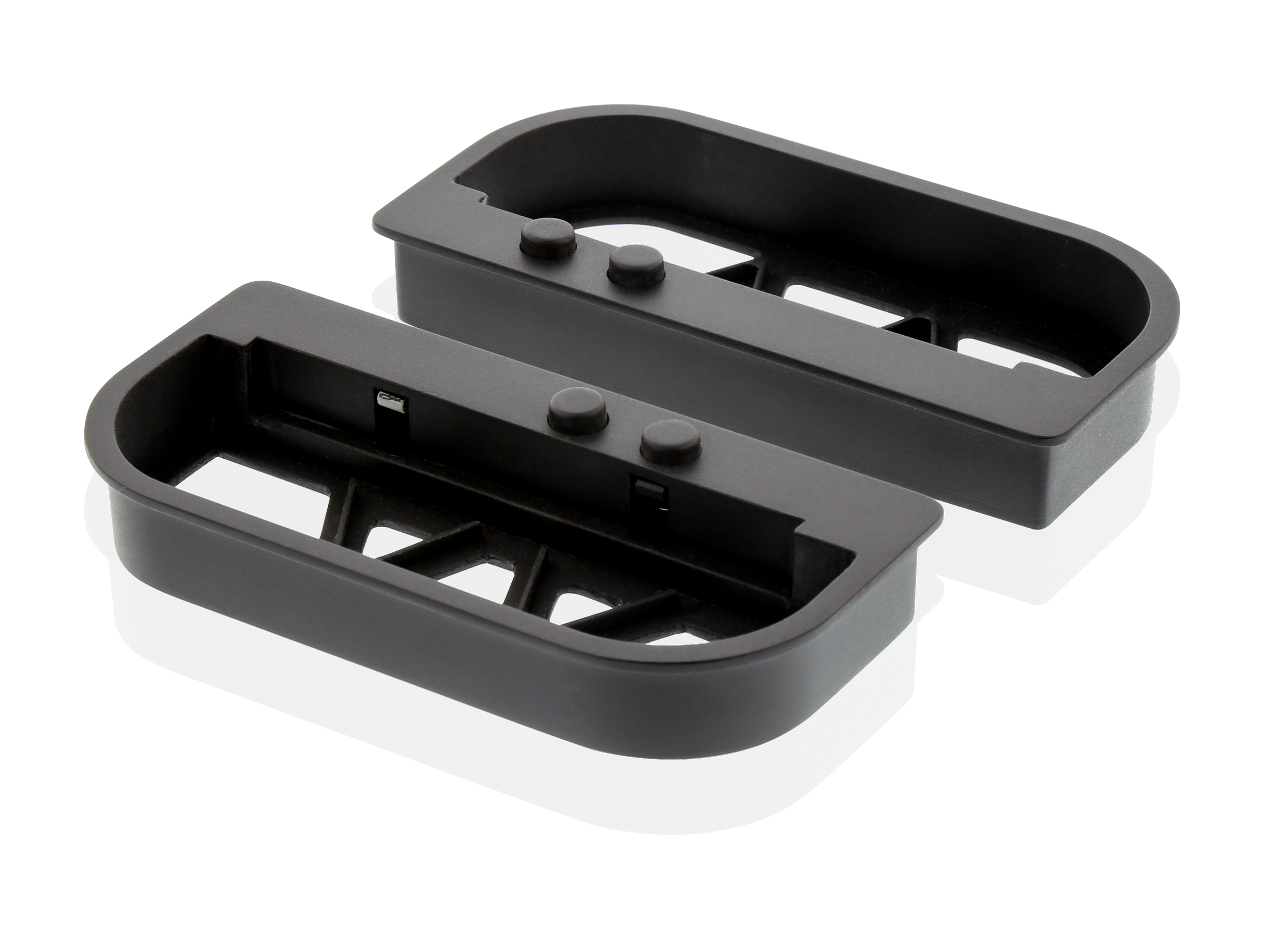
The system translated Joy-Con shoulder-button inputs into a more traditional arcade-style button interaction.
Arcade Joystick Extensions
Two joystick extensions attached to the Joy-Con analog sticks to enhance the physical arcade experience.
Pixel-Art Customization
Included sticker sheets allowed users to create their own cabinet graphics and visual themes.
Charging and Ventilation Access
Purpose-built openings maintained console airflow and allowed a charging cable to remain connected during use.
Project Impact
Product Innovation
Created a distinctive Nintendo Switch accessory built around transformation, construction, and arcade-style play.
User Experience
Combined building, customization, setup, and gameplay into one connected product experience.
Mechanical Development
Used mechanical button remapping to recreate arcade interaction without additional electronics.
Retail Differentiation
Delivered a highly visual product concept that stood apart from conventional cases, chargers, and controller accessories.
E-Commerce Execution
Supported Amazon product imagery, feature communication, and detailed assembly content.
Market Validation
Received editorial coverage from Variety and Engadget.

Outcome
PixelQuest Arcade Kit expanded Nyko’s Nintendo Switch assortment with a differentiated product that combined construction, customization, physical interaction, and nostalgic gaming.
The product demonstrated how an accessory could transform the user experience of existing hardware without modifying the console or requiring dedicated software.
Its value came from connecting product architecture, mechanical interaction, user assembly, customization, packaging, instruction design, and retail communication into one cohesive experience.